

You open CamDating, see a cute profile, and imagine how that first video date might feel. Then you turn on your camera and see… a tired face, dark circles, or a bright white forehead that looks more like a flashlight than a human.
Good webcam lighting for video dates is not about buying studio gear. It is about using the lamps and windows you already have so your face looks clear, alive, and attractive on camera.
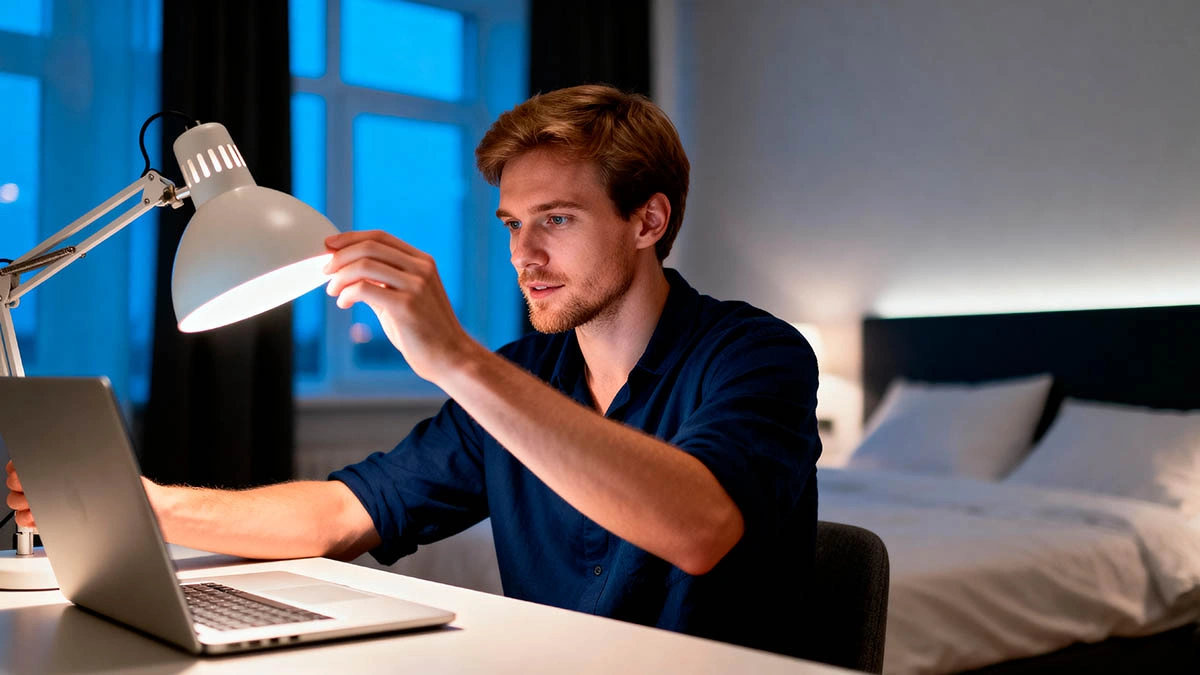
In this guide, you will learn simple webcam lighting rules for video dates, basic setups for different rooms, and a small ritual you can repeat before every CamDating call so you stop fighting your camera and start liking what you see.
Why webcam lighting for video dates matters more than you think
On a video date, she does not meet your real face — she meets how your camera shows you. Bad lighting can make you look older, more tired, or less confident than you really are. Great lighting, even from one cheap lamp, makes your eyes brighter and your expressions easier to read.
Lighting also changes how safe and relaxed the call feels. A very dark room with a bright screen glow can give a “hidden in the shadows” vibe. Overhead office light can make you look stressed or stiff. Soft, even light tells her “I am open, present, and not hiding.”
Think about the last time you saw someone on a call where the light was good: you probably trusted them more, even if you could not explain why. That is the power of webcam lighting for video dates — it is quiet, but it changes everything.
Simple webcam lighting rules (without a studio budget)
Before we talk about specific setups, you only need a few simple rules. If you remember these, your webcam lighting will already be better than what most guys have.
- Light your face from the front or side, not from behind. If the window or lamp is behind you, you become a dark silhouette. Move so the light hits your face.
- Avoid strong overhead light. Ceiling lamps create harsh shadows under your eyes and nose. If that is your only lamp, move it lower or add a softer side light.
- Use one main soft light instead of many small harsh ones. A simple desk lamp with a warm bulb, aimed slightly above your eye level, already beats random light from all directions.
- Let the screen help, but not dominate. Your laptop screen can be a gentle fill light, but if it is the only light source, your face turns blue and ghost-like.
If you want more general video call presence tips together with lighting, you can also check resources like how to be confident on video calls. Combine that with these lighting rules and your whole on-camera vibe will level up.
Easy webcam lighting setups for different rooms
You do not need a ring light to look good on camera. You just need to control where the light comes from and what it bounces off. Here are a few simple setups you can try today with your existing lamps.
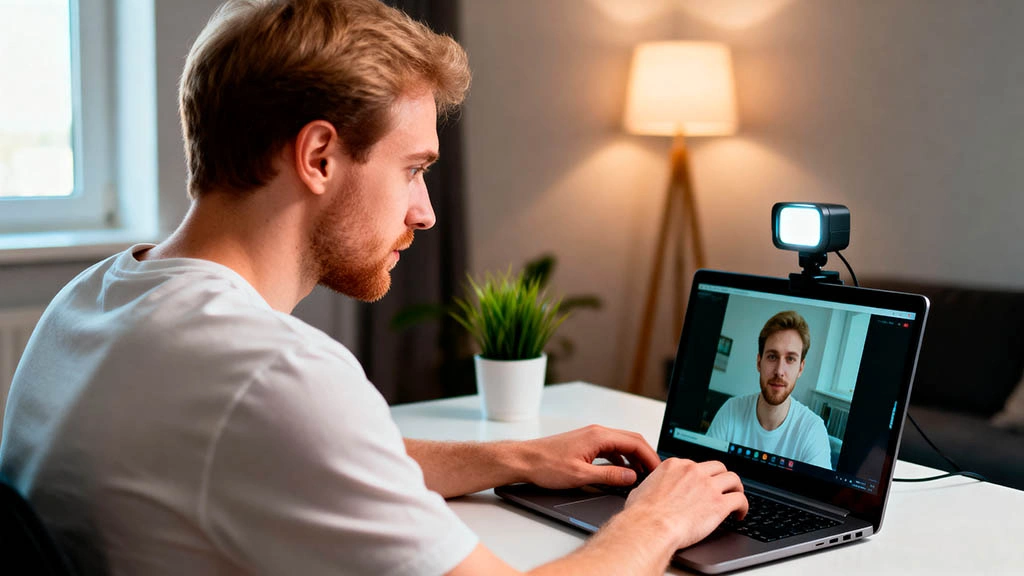
Small bedroom with one window
In a small bedroom, your best friend is the window. During the day, place your laptop so you face the window at a slight angle — not straight on like a mugshot, but turned maybe 30 degrees. This way, daylight lights one side of your face and softly wraps around the other.
If the light is too strong, pull a thin curtain or move a little farther from the window. You want soft light, not a spotlight.
Evening setup with one lamp
At night, put a lamp behind your laptop or just off to the side, so the bulb sits a bit above your eye level. Aim it toward a wall in front of you instead of straight at your face. The light that bounces off the wall will be much softer and more flattering.
If you only have a very bright white bulb, try pointing it at the ceiling or corner. You can also tape a sheet of white paper in front of the lamp (not touching the bulb) to diffuse the light a bit.
Shared apartment or messy room
If your room is messy, do not panic. You do not have to clean the entire space for better webcam lighting for video dates. You only need one clean corner. Turn your desk so the background is a blank wall, a shelf with a plant, or a simple curtain.
Then use the same rules: light your face from the front or side, avoid strong backlight, and use your screen as a gentle extra light instead of the main one.
Make webcam lighting part of your video date ritual
The easiest way to keep good lighting is to turn it into a small ritual you repeat before every CamDating call. It takes 2–3 minutes, but it makes you feel prepared instead of rushed.

- Step 1: Quick room check. Look behind you. Remove anything distracting or too personal from the frame. Adjust your camera so your head and upper chest are visible.
- Step 2: Lighting micro-adjustments. Turn on your main lamp, sit where you plan to call from, and look at your webcam preview. If one side of your face is too dark, move the lamp or yourself a little until it looks balanced.
- Step 3: Screen and brightness. Lower your screen brightness if your face looks too blue or washed out. Increase it slightly if your eyes look dull and the room is very dark.
- Step 4: Final vibe check. Ask yourself: “Would I trust a person who looks like this on camera?” If the answer is no, adjust light or angle for one more minute.
When lighting is set, you can focus on the fun part: flirting and connection. Pair this lighting ritual with posts like building camera confidence before your first webcam date or webcam flirting tips for your first CamDating call, and your video dates will feel more relaxed and attractive at the same time.
You do not need model looks or expensive gear. You just need a simple system for webcam lighting for video dates that you trust. Once that is in place, each CamDating call becomes less about “Do I look okay?” and more about “Do we enjoy talking to each other?” — which is the whole point.
